Guide
IPTV subscription renewal: how to reorder before your end date
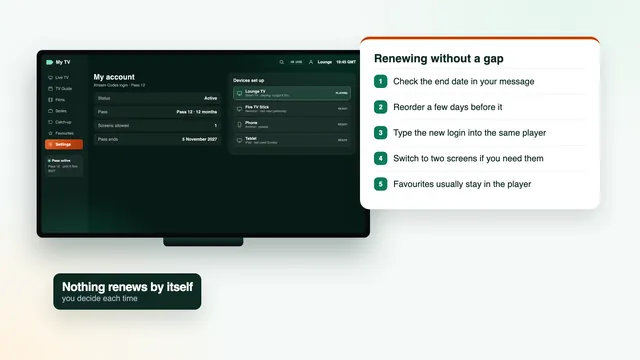
IPTV subscription renewal works differently here from a monthly bill: nothing renews by itself, and the pass ends on the date written in your login message. Renewing means placing a new order yourself, ideally a few days before that date. This guide covers where to find the date, when to order, how to type the new login into the players you already use and what happens to favourites, catch-up and refunds along the way.
Why nothing renews by itself
Your pass was settled in a single payment, by card or PayPal. No direct debit is set up and no card is charged again later, so there is nothing to cancel and no surprise payment a year on. An IPTV subscription renewal here is therefore a decision you take, not something that happens to your bank account.
Once the end date passes, the player typically shows an expiry notice or a login error instead of channels. The app stays on the TV with its settings; only the access has finished. When you order again, that same app picks up the new login.
The trade-off is that the date is yours to remember, and most of this guide is about making that easy. For a reminder of how the pass model works from the start, the IPTV subscription home page sets it out briefly.
Finding your end date
In the login message
The end date is written in the message that brought your login, sent by WhatsApp or by email. Search the chat or your inbox for IPTV Subscription 4K; the date sits next to the username, password and server URL. If you forwarded the message to another phone or computer, look there too.
On the player’s account screen
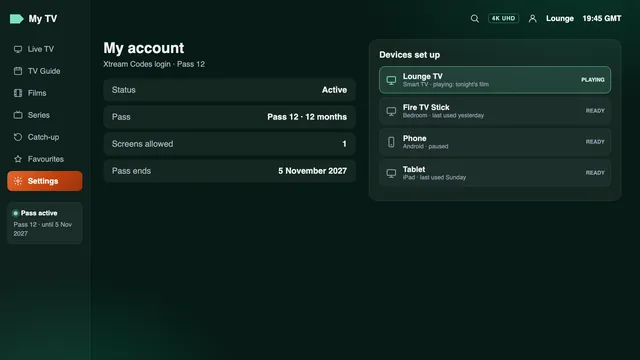
Many players repeat the date on an account, user-info or playlist-details screen, under a label such as ‘Expiry’, ‘Expiration’ or ‘Valid until’. The player reads it from the server each time it connects, so it should match the date in the message.
If you cannot find either
Write to the team with the username shown on your player’s login screen, and they will confirm the end date. The team replies in English, 24/7, by WhatsApp or by email.
IPTV subscription renewal: when to reorder
A new pass is counted from its own payment day, just like the first one. That shapes the timing: order too late and there is a gap with no TV; order weeks early and the old and new passes overlap for those weeks.
| When you order | What happens | Verdict |
|---|---|---|
| Three to five days before the end date | A short overlap; the new login is in and checked before the old one stops | Recommended |
| On the end date itself | Usually fine, but a typo or a device that needs help can cost you an evening | Workable |
| After the end date | No access from the end date until the new login is entered | A gap |
| A month or more early | The two passes run side by side for weeks, so you pay twice for those days | Too early |
Because the login arrives within 2 minutes at any hour, a late order is never a disaster. The few days of margin are for everything else: a password typed with a missing character, a Smart TV app that wants its playlist sent again, or a big match on the very evening the old pass ends.
Renewing before a busy weekend
If the end date falls just before a match weekend, a school holiday or Christmas, order a little earlier than usual, so the new login has been checked on every TV before the evening that matters.
Typing the new login into the same players
You keep your players, your devices and your settings. What changes is the login: expect a new username and password, and check the server URL as well, since it can differ from the old one. Leave the old details in place until the new message arrives, then switch.
- Open the player’s list of logins or playlists; in many players it sits under Settings, Playlists or Users.
- Edit the existing entry, or add a fresh one, and type in the new message’s username, password and server URL. In this guide they look like
your-usernameandhttp://your-server:port. - Save, then let the channel list and the 7-day TV guide reload. On a large catalogue this can take a minute or two.
- Open three or four UK channels and confirm the guide shows the right programme at the right time.
- Once the old end date has passed, delete the old entry so the player does not try it first.
Smarters Pro, TiviMate and other Xtream players
In IPTV Smarters Pro and TiviMate, the Xtream Codes login (user, password and URL) is the simplest route, and the TV guide loads with it. XP IPTV on Android works the same way. On a Fire TV stick the player is already installed, so Downloader is not needed again; the Fire TV stick guide shows where the login screen sits.
Smart IPTV and IBO Player on Samsung and LG
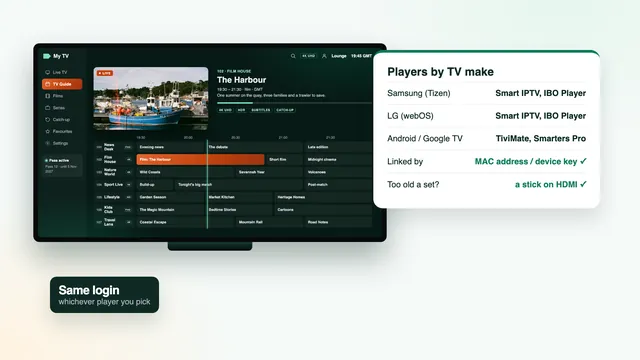
Both apps tie your playlist to the television itself, through its MAC address (or, in IBO Player, a device key). Smart IPTV’s activation is a one-off per TV, so a renewal only means sending the new playlist from its website against the same MAC address. In IBO Player, the new details go against the same device key. The Smart TV guide shows where each app displays those details.
VLC, Kodi and the M3U link
Players that read the M3U playlist need the new link pasted in place of the old one. In Kodi that means the settings of the ‘PVR IPTV Simple Client’ add-on; in VLC, opening the new network address. Add the new TV-guide (XMLTV) link at the same time. The guide to the M3U link explains both addresses.
If a player refuses the new details after two careful attempts, send the team a WhatsApp message with a photo of the error. For a device that has never had a player on it, start with the setup page instead.
Changing pass length or moving to two screens
A renewal is the natural moment to change pass, because you are placing a new order anyway. All four passes stay open to you, whatever you had before.
| You had | You renew with | What changes at home |
|---|---|---|
| Pass 3 | Pass 12 | Same TV, a year instead of three months, at £4.08 a month instead of £9.67. |
| Pass 12 | Pass 24 | Same TV, two years at £3.71 a month, and the next renewal is two years away. |
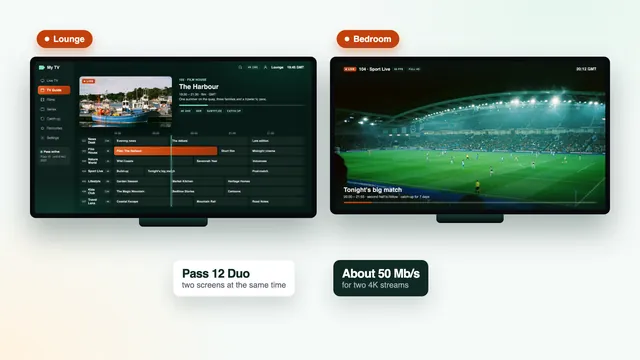
| Pass 12 | Pass 12 Duo | A second screen can play at the same time: install a player on the second TV and enter the login there too. |
| Pass 12 Duo | Pass 12 | Back to one screen at a time: remove the login from the second TV’s player to avoid confusion. |
| Pass 24 | Pass 12 or Pass 3 | A shorter commitment, at a higher cost per month. |
For two TVs, the multi-room guide covers the broadband and the second set. To see every pass with today’s price, open the plan cards or the full plans page; the guide to a 12-month pass weighs one year against two, and the price guide sets each pass against the market.
What happens to favourites, catch-up and settings
Most of what makes a player feel like yours lives in the app on each device, not in the login. A renewal therefore leaves more in place than people expect, with one or two exceptions.
| Item | Where it lives | After the new login |
|---|---|---|
| The installed player and its picture settings | On the device | Unchanged |
| EPG time offset (timeshift) | In the player | Usually unchanged; look at it after a clock change |
| Favourites list | In the player, often tied to one login or playlist entry | Kept in many players if you edit the existing entry; empty if you add a new one |
| Watch history and resume points | In the player | May reset with a new entry |
| Catch-up programmes | On the channels that offer it | Back as soon as the new login loads, up to 7 days |
| 7-day TV guide | Loaded with the login | Reloads with the Xtream login; M3U players need the new XMLTV link |
Saving your favourites
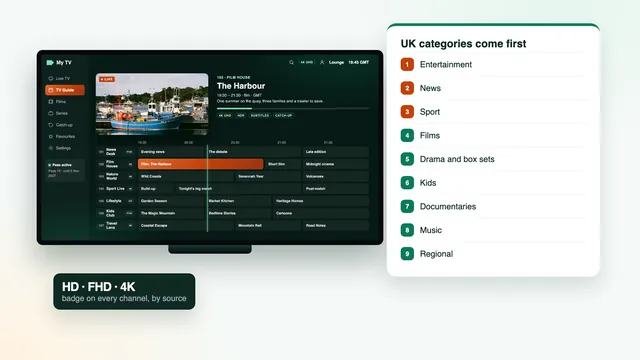
Before switching, take a photo of the favourites list on each TV. If the player starts a fresh list, rebuilding it from the photo takes a few minutes. Channels stay sorted by country and category, with the UK groups first, so the same names are easy to find again; the channels guide shows the order.
Catch-up after renewal
Catch-up belongs to the channel, not to your pass. On the channels that offer it, replayable programmes reappear in the guide, usually marked with a small clock or arrow, as soon as the new login has loaded. Even after a gap of a day or two, anything still inside a channel’s catch-up window can usually be replayed.
Refunds and renewals: the rules in brief
A renewal is a new purchase, so the same 7-day guarantee runs from its payment date. It covers two cases only: the new login never reached you, or nothing displays on any device despite the support team’s help. It does not stretch to:
- a change of mind once the login works;
- a connection that proves too slow for 4K, once the speed it needs had been spelled out before purchase;
- a login suspended because it was shared outside the household.
In practice a renewal rarely needs the guarantee, since your players already work. The case worth knowing is a message that does not turn up: look in the spam folder and confirm the WhatsApp number you gave, then get in touch. The full conditions are in the refund policy.
A renewal checklist
- A week before: find the end date and decide whether to keep the same pass, change length or add a second screen.
- Three to five days before: place the order and pay once.
- Within 2 minutes: the new login arrives; star or file the message.
- The same evening: enter it in each player, reload the channels and guide, open a few channels.
- After the old end date: delete the old entry and set two reminders for the new end date.
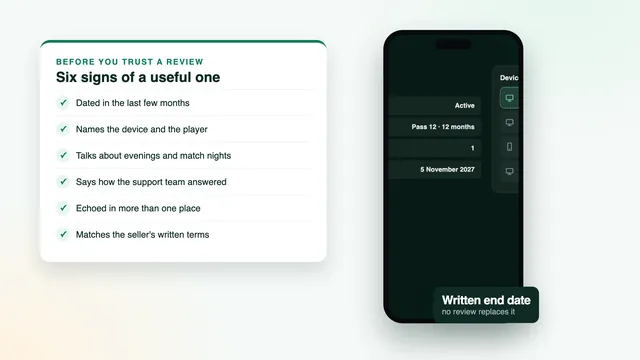
Whoever you buy from, renewal terms are worth checking before the first order. When you read buyers' comments about any seller, the guide to reading IPTV subscription reviews explains how to tell a useful comment from a paid one.
Frequently asked questions
Will my pass renew automatically?
No. After the first payment nothing else is charged, and the pass simply ends on the date in your message. To carry on watching, you place a new order.
Is the login the same after an IPTV subscription renewal?
Expect new details: a new username and password, and check the server URL too. You type them into the players you already have, without reinstalling anything.
How early should I renew?
Three to five days before the end date is enough. The new pass counts from its own payment day, so ordering weeks ahead only means two passes running side by side.
What if my pass has already run out?
Order whenever you are ready: the new login still arrives within 2 minutes, at any hour. The player and its settings are where you left them, so you only need to type the new details.
Can I switch to Pass 12 Duo when I renew?
Yes. Choose Pass 12 Duo in the new order, then install a player on the second TV and enter the login there as well. Two screens can then play at the same time.
Will I lose my favourites?
That depends on the player. Editing the existing login entry keeps them in many apps, while a new entry usually starts with an empty list, so photograph yours before switching.
Can I get a refund on a renewal?
The 7-day guarantee applies to every order, renewals included, if the new login fails to arrive or no device shows a picture even with the team’s help. Changing your mind is not a reason for a refund.